

This article contains affiliate links. We may earn a commission at no extra cost to you. Full disclosure.
Start by inspecting the complete public page. Your SEO plugin, theme or another extension may already describe the article. Adding a second provider can create competing records, so keep one clear owner for article markup.
On a staging copy, check public source for JSON-LD and microdata, and review your SEO plugin settings. Confirm that the visible title, permalink and dates match the article. Never use schema to invent authors, ratings or facts that readers cannot verify.
Disclosure: We publish WP Auto Schema Markup through Empire Publishing Tools. It is our paid plugin. It provides a deliberately small, per-post BlogPosting record for sites that do not already have an article-schema provider.
The plugin starts disabled, previews saved public fields and suppresses known provider conflicts. Its detection is not comprehensive: inspect theme output and custom integrations before enabling a post. It excludes private, draft and password-protected content, and leaves account details out of its markup.
After enabling one staging post, inspect the resulting page again. Confirm that there is only the intended article record and that it describes the visible page. Check a private and a password-protected post to make sure their content is not exposed. Validate the complete page with the appropriate search-engine tools, and remember that valid markup does not promise a special search presentation.
Repeat this review after changing your theme or SEO tools. Disable this plugin's output before handing article markup to another provider. Keep a backup of your site and a short record of which component owns structured data. You can turn the saved setting off without an active Pro license; uninstalling retains settings.
The plugin costs $19 USD annually for one site, plus applicable taxes, with checkout renewal and conditional refund terms. It is optional and is not a full SEO suite.
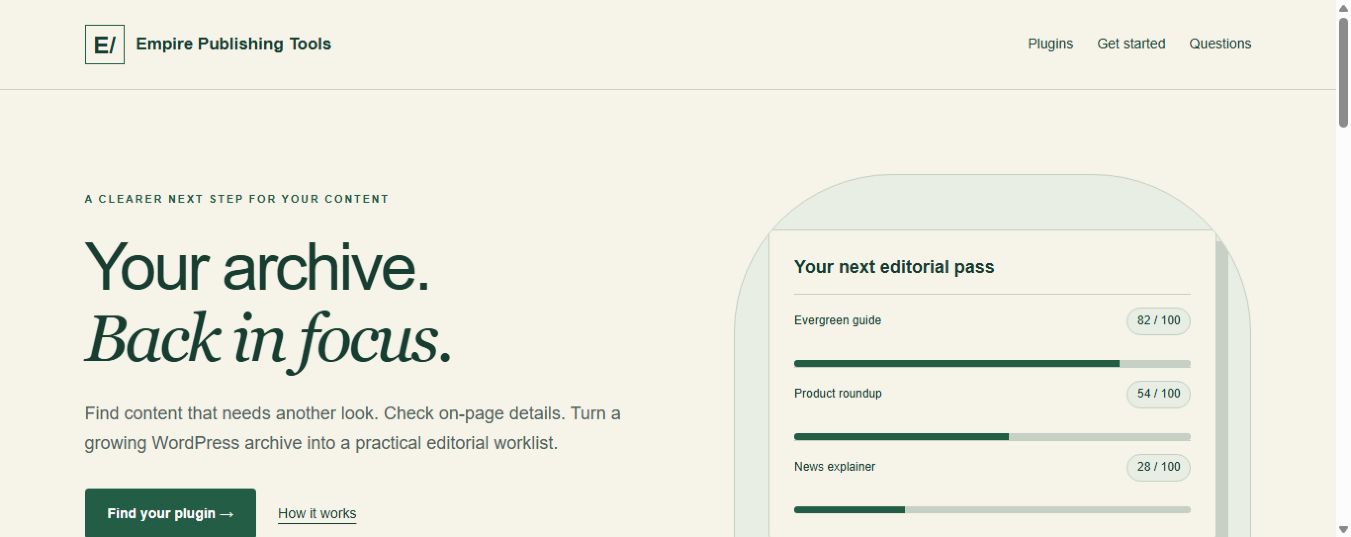
Explore WP Auto Schema Markup and purchase options
Related Posts





Related Posts
Get the AI Edge, Weekly
The tools, tutorials, and trends that actually pay — no hype.

